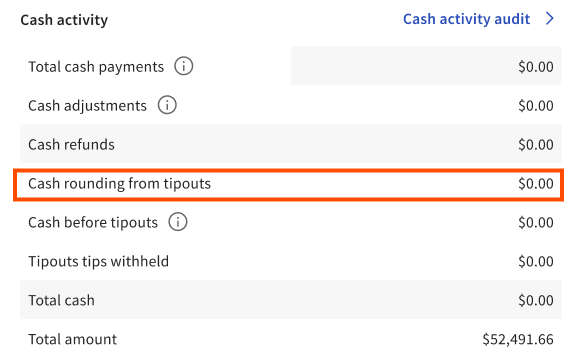
If you enable cash rounding for cash tip payouts, the rounded amounts appear in several reports in Toast Web and on the POS:
-
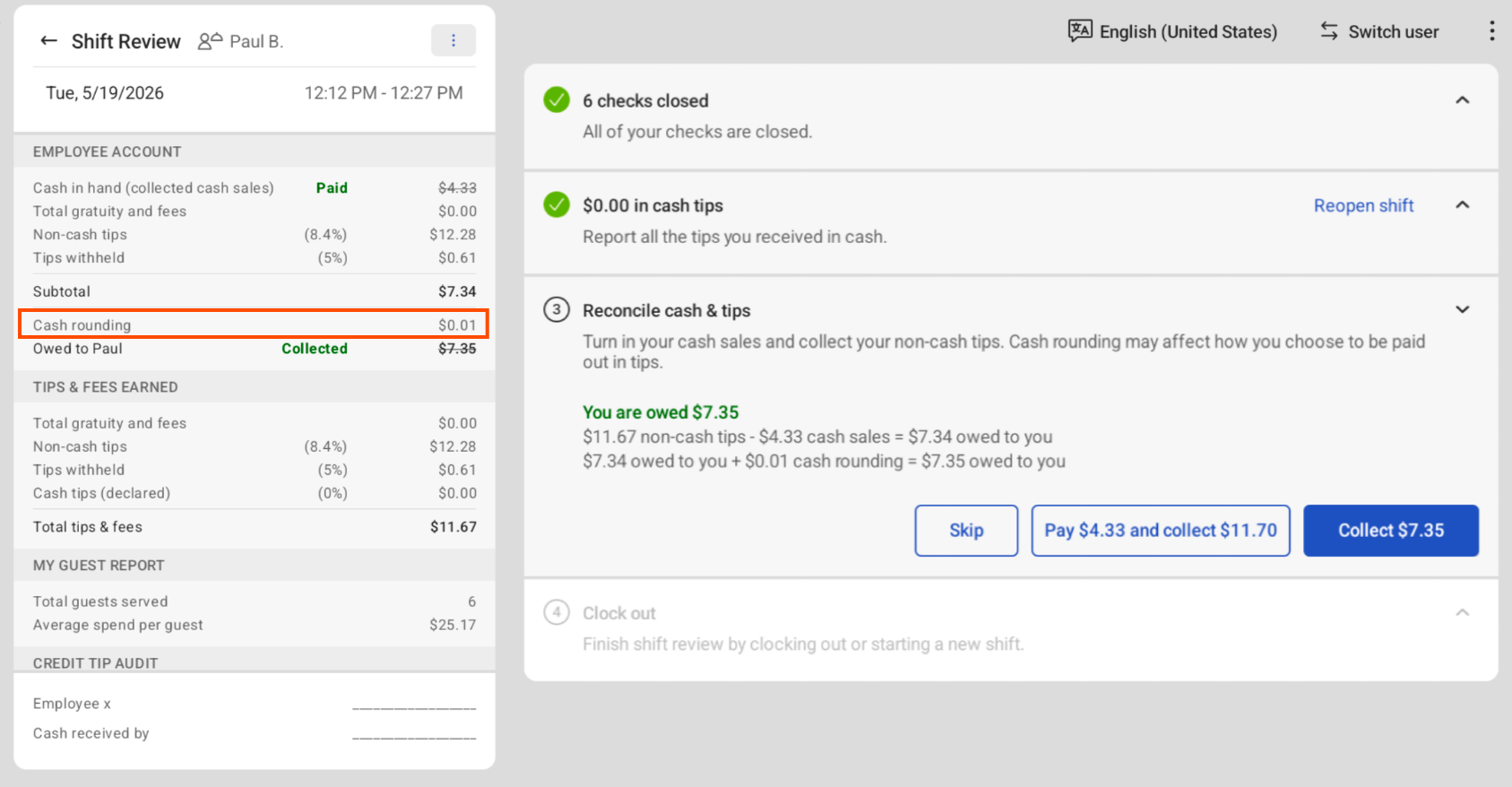
Shift review report: Includes a Cash rounding row that shows the total cash amount rounded from the employee's shift. For more information, see Accessing shift review.
-
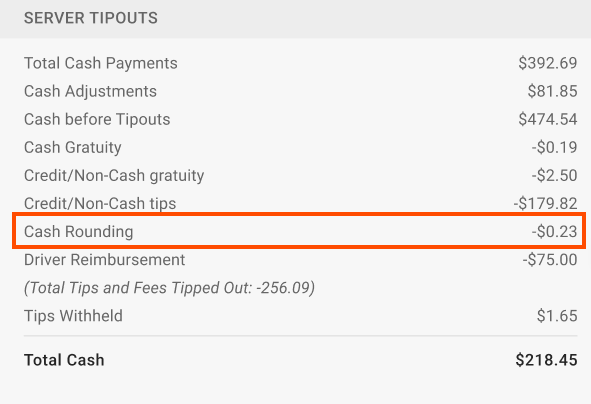
Z report: Includes a Cash Rounding row that shows the total amount of cash rounded for the shift. For more information, see this Toast Support article.
-
Sales summary report: Includes a Cash rounding from tipouts row that shows the total amount your location paid out from tip rounding across all employees. For more information, see this Toast Support article.